

In today’s digital landscape, managing multiple online accounts securely is essential for marketers, e-commerce teams, and digital professionals. Traditional browsers often reveal system fingerprints or share IP data, allowing platforms to easily link multiple accounts.
BitBrowser tackles this problem head-on by offering isolated browser profiles, customizable fingerprints, and even a Cloud Phone system for running mobile apps safely in virtual environments.
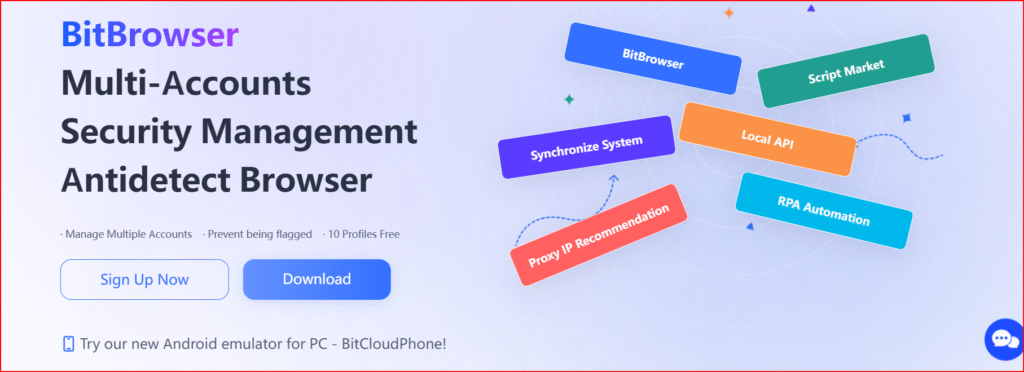
This 2025 guide explores BitBrowser’s features, pricing, setup process, automation tools, and best practices for getting the most out of it.
🖥️ What Is BitBrowser?
BitBrowser is a next-generation anti-detect browser built to create independent, sandboxed browser profiles. Each profile simulates a unique physical device — complete with its own operating system, browser engine (Chromium or Firefox), language, timezone, WebGL settings, fonts, and network identity.
You can assign individual proxies to each profile so every browsing session appears to come from a different user and location.
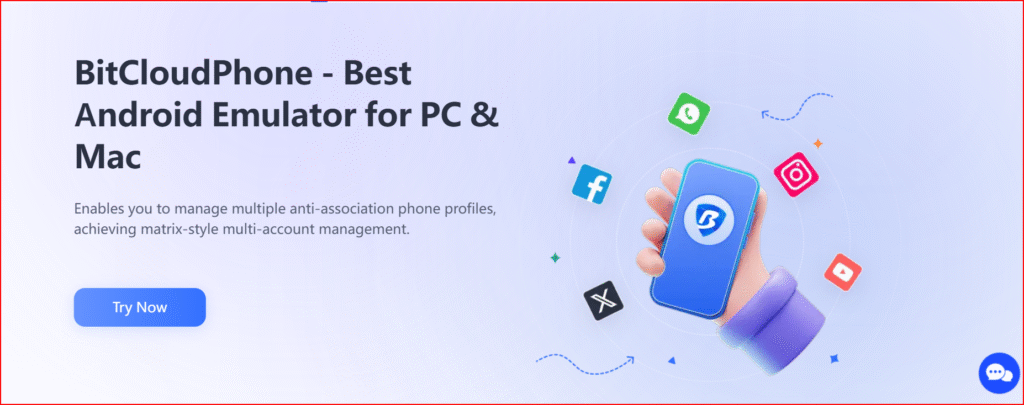
Its standout innovation is Cloud Phone — a virtual Android environment that lets users run mobile apps, simulate real sensors, and even access the Google Play Store directly.
.
👥 Who Should Use BitBrowser
- E-commerce sellers managing regional storefronts
- Social media agencies handling multiple brand accounts
- Affiliate marketers running diverse campaigns
- QA testers needing isolated test environments
- Businesses requiring unlinkable sessions for daily work
⚙️ Key Features
- Multi-Profile Isolation – fully independent browser environments
- Proxy Integration – HTTP, SOCKS5, SSH support
- Cloud Phone – run Android apps virtually
- Batch Management Tools – import/export hundreds of profiles
- Local API & RPA Automation – automate tasks and workflows
- Team Collaboration – manage sub-accounts and permissions
- Advanced Fingerprint Engine – customize identifiers
💰 Pricing (2025)
| Plan | Profiles | Features | Price |
|---|---|---|---|
| Free | 10 | Basic tools, proxy & fingerprint support | Free forever |
| Starter | 100 | Batch management, simple automation | $29/month |
| Professional | 300 | API access, team tools, sub-accounts | $69/month |
| Enterprise | 1,000+ | Full automation, Cloud Phone discounts | Custom |
🔍 Pros and Cons
Pros
- Forever-free plan available
- Integrated Cloud Phone
- Supports Chromium & Firefox
- Excellent fingerprint customization
- Scalable automation and team features
Cons
- Performance may drop with many active profiles
- Low-quality proxies may affect reliability
- Must be used ethically
🌐 What Makes BitBrowser Stand Out
Unlike conventional browsers that leak identifiable system data, BitBrowser gives each profile a distinct fingerprint, IP, and browser kernel — ensuring every session appears as a separate user.
This makes it an invaluable tool for marketers, testers, and businesses that manage multiple accounts securely and without detection.
The Cloud Phone feature further extends its value by bridging desktop and mobile operations, something very few competitors offer.
Step-by-Step Setup Guide
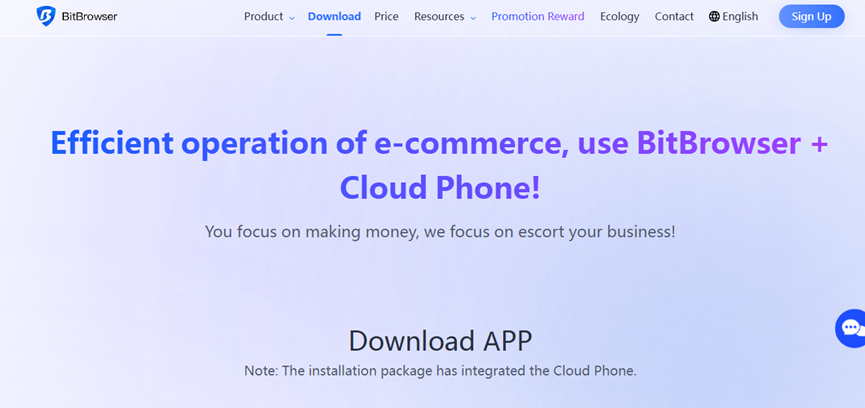
- Download & Register
Visit the BitBrowser website, download the app (Windows/macOS), and create an account.
Start with the free plan to explore the basics
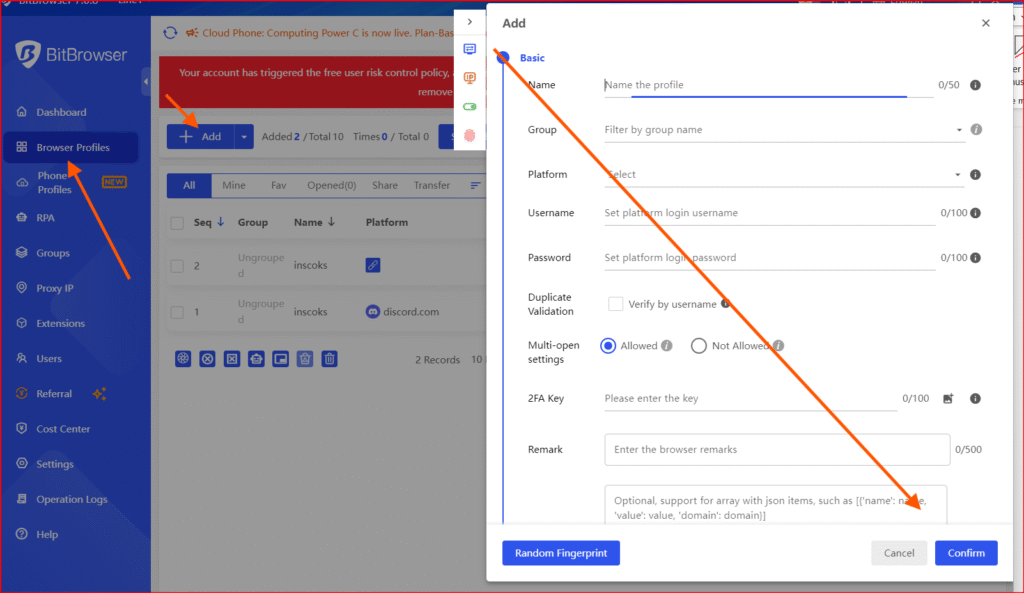
- Create a New Profile
Choose your preferred browser engine and configure system parameters like OS, language, and timezone.
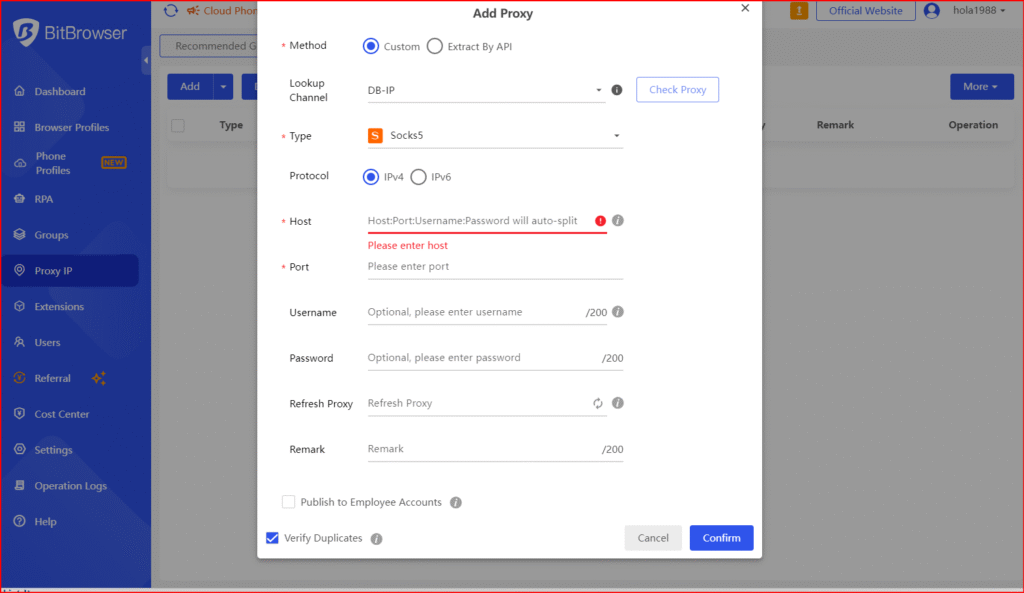
- Add a Proxy
Input your proxy details (host, port, username, password) and test IP and location before proceeding.
- Set Up Fingerprints
Use BitBrowser’s built-in fingerprint generator or adjust settings manually.
Test profile uniqueness on sites like whoer.net or amiunique.org. - Activate Cloud Phone
Create a virtual mobile profile, select carrier and proxy options, and launch your Android device.
You can install apps directly from the Play Store or upload APK files.
⚡ Scaling & Automation
BitBrowser’s automation and batch tools are designed for efficiency and scalability:
- Batch Tools: Create or clone hundreds of profiles from CSV files.
- Cookie Management: Export or reuse sessions securely across devices.
- Team Accounts: Assign permissions and manage users within a shared workspace.
- Local API: Automate launches, visits, and data-collection workflows.
Example: Run five Instagram accounts using separate profiles, proxies, and timezones. Automate posting, logins, or interactions — and back up sessions using cookies.
🌍 Choosing the Right Proxy
| Proxy Type | Best Use | Tip |
|---|---|---|
| Residential/Mobile | Social media, ad accounts | High trust, lower ban risk |
| Datacenter | Testing, scraping | Fast but easier to detect |
| Rotating | Automation, bulk tasks | Frequent IP rotation boosts safety |
🛡️ Ethical Use & Compliance
- Follow each platform’s terms of service.
- Avoid deceptive or spammy activity.
- Respect data privacy regulations and local laws.
🧰 Troubleshooting & Maintenance
- Profile Leaks? Recheck and refresh fingerprints.
- Slow Performance? Limit simultaneous profiles or upgrade hardware.
- Scaling Up? Test smaller batches first.
- Backups: Regularly export cookies and settings for data recovery.
Final Verdict: Is BitBrowser Worth It?
BitBrowser delivers an exceptional mix of security, performance, and scalability.
Its blend of browser isolation, mobile app simulation, and automation capabilities makes it one of the most advanced tools for multi-account management in 2025.
With a forever-free plan and professional-grade controls, BitBrowser suits both beginners and seasoned digital professionals — provided it’s used ethically and paired with quality proxies.
Bottom line: BitBrowser isn’t just an anti-detect browser — it’s a comprehensive ecosystem for secure, scalable, and efficient digital identity management.
About the Author


1 thought on “BitBrowser Review 2025: The Ultimate Anti-Detect Browser for Secure Multi-Account Management”